
Screenshots
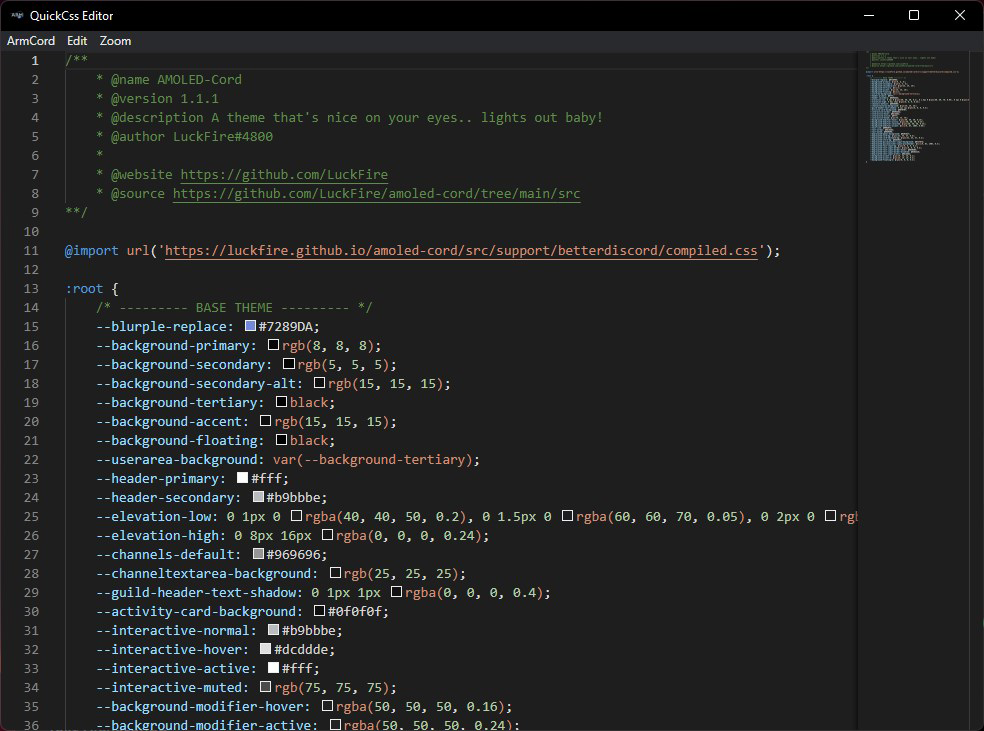
App details
- Updated
- 2024-10-14T01:14:25.6300036Z
- Requires
- Windows 10 version 14316.0 or higher
- Language
- English
- Developer
- ArmCord Team
- Category
- Mobile
SoftPas in:
This product is also available in the following languages:
About Legcord
Download Legcord – Lightweight Discord Client, Customizable Interface, Cross-Platform Support
Overview
Legcord is a lightweight and customizable Discord client designed for users who want full control over their Discord experience. Built with performance and flexibility in mind, it offers a streamlined alternative to the standard Discord application, particularly appealing to power users and developers. The app enables users to personalize their interface and interactions without sacrificing compatibility with core Discord features. Its purpose is to enhance usability and efficiency by allowing deeper customization while maintaining seamless integration with existing Discord servers, channels, and functionalities.
Legcord addresses common user frustrations such as bloated interfaces, limited personalization, and performance issues on lower-end devices. By focusing on a lightweight design, it ensures smooth operation across a variety of hardware, making it ideal for users who prioritize speed and responsiveness. Real-world use cases include managing multiple servers efficiently, tailoring the visual layout for better accessibility, and enabling developer workflows that require custom configurations. The app fills a niche in the mobile and desktop ecosystem by offering a tool that balances customization with reliability.
The developer did not provide additional technical details about their background or development philosophy. However, the app’s focus on cross-platform support and performance suggests a deliberate effort to serve a broad audience across Windows, macOS, and Linux. Its presence in the market highlights growing demand for alternative clients that empower users to shape their digital experience without relying on official app limitations.
Key Features & Functionality
- Lightweight Design: Legcord is engineered to minimize system resource usage, ensuring smooth performance even on older or less powerful devices. This feature is particularly beneficial for users running multiple applications simultaneously or those with limited RAM and processing power.
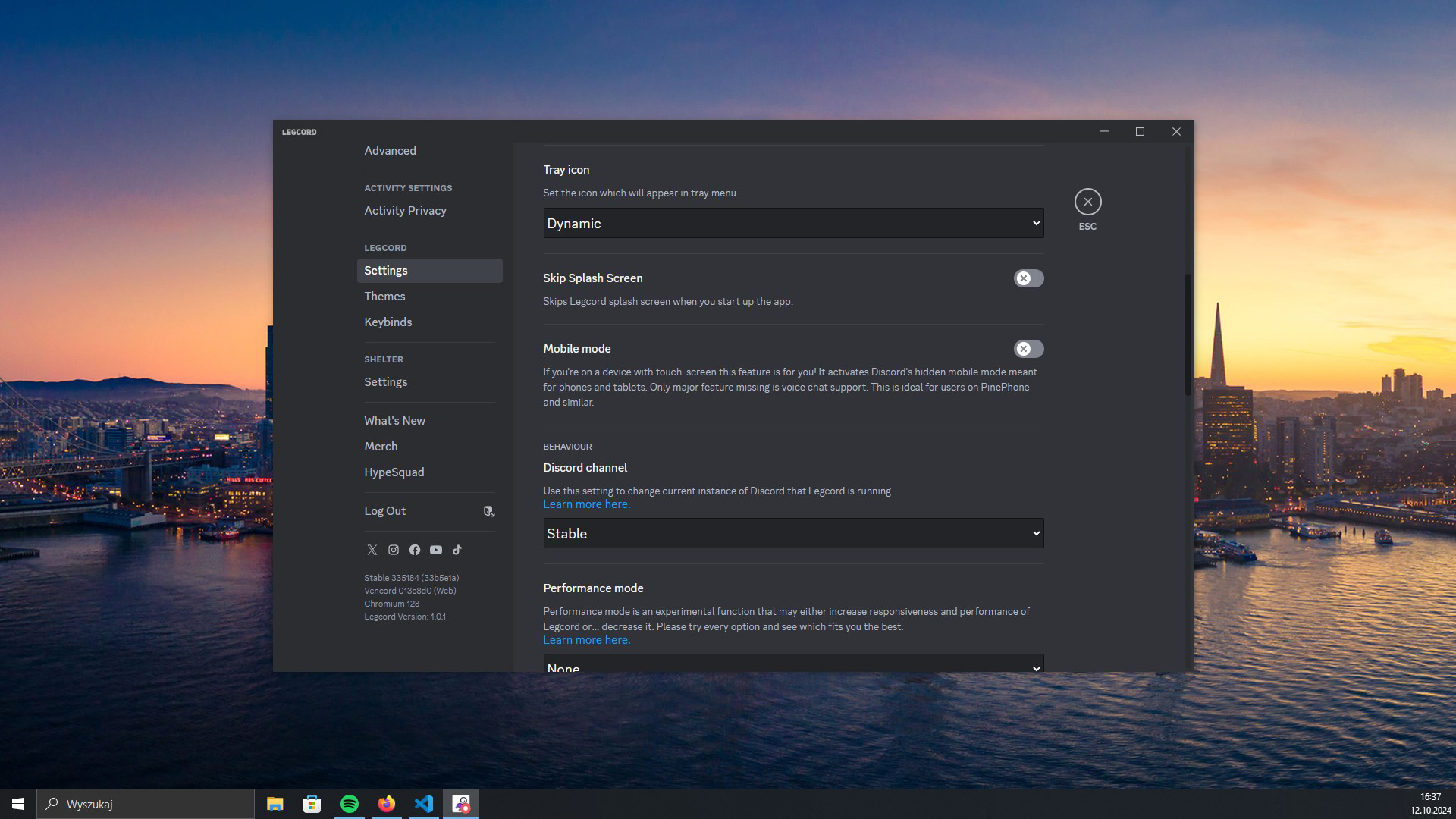
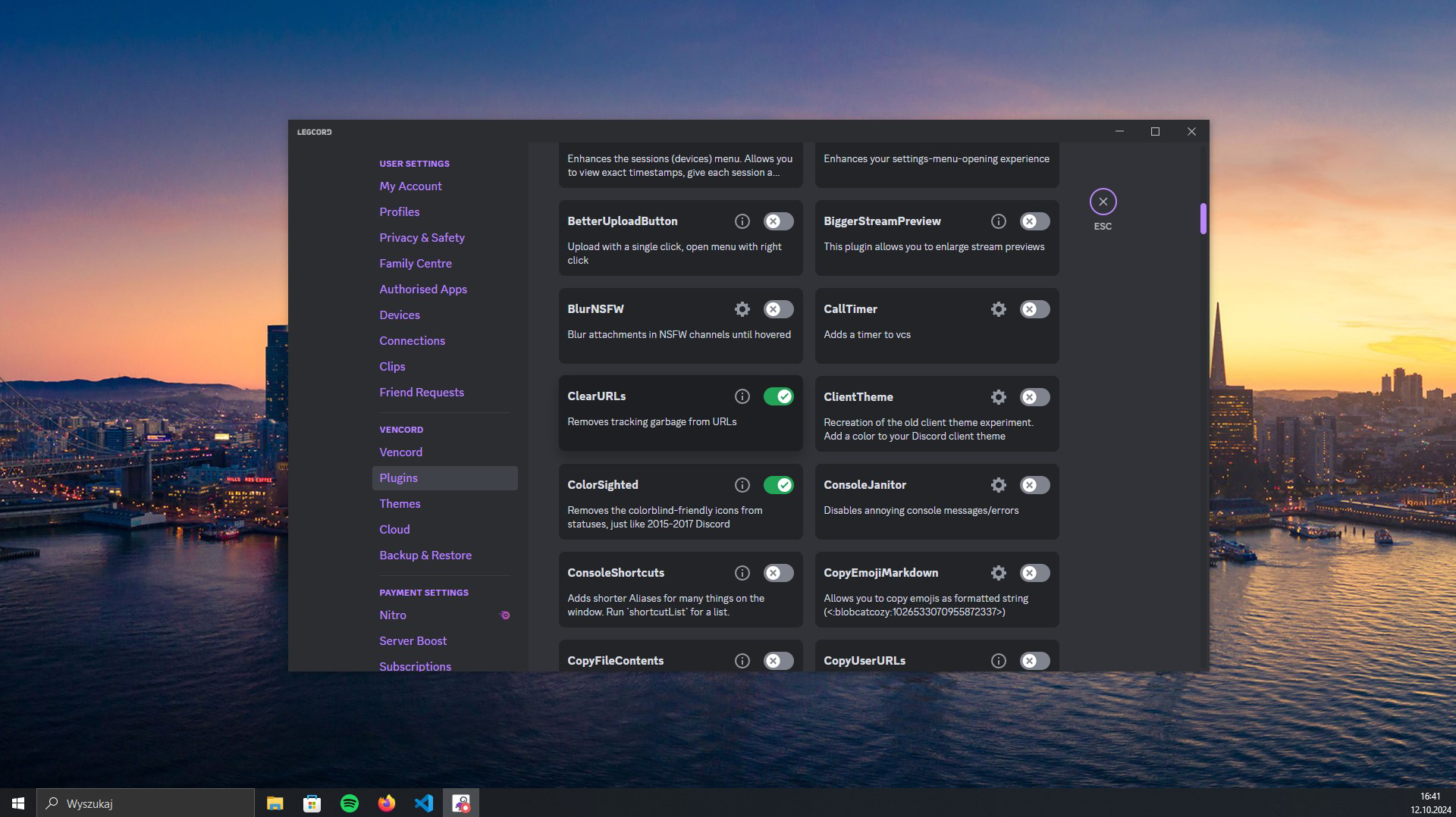
- Customizable Interface: Users can modify color schemes, layout arrangements, and UI elements to create a personalized experience. This level of control allows for greater accessibility and visual comfort, especially for users with specific ergonomic or aesthetic preferences.
- Cross-Platform Support: Legcord operates consistently across Windows, macOS, and Linux, allowing users to maintain a uniform experience regardless of their primary device. This functionality enhances workflow continuity for users who switch between platforms.
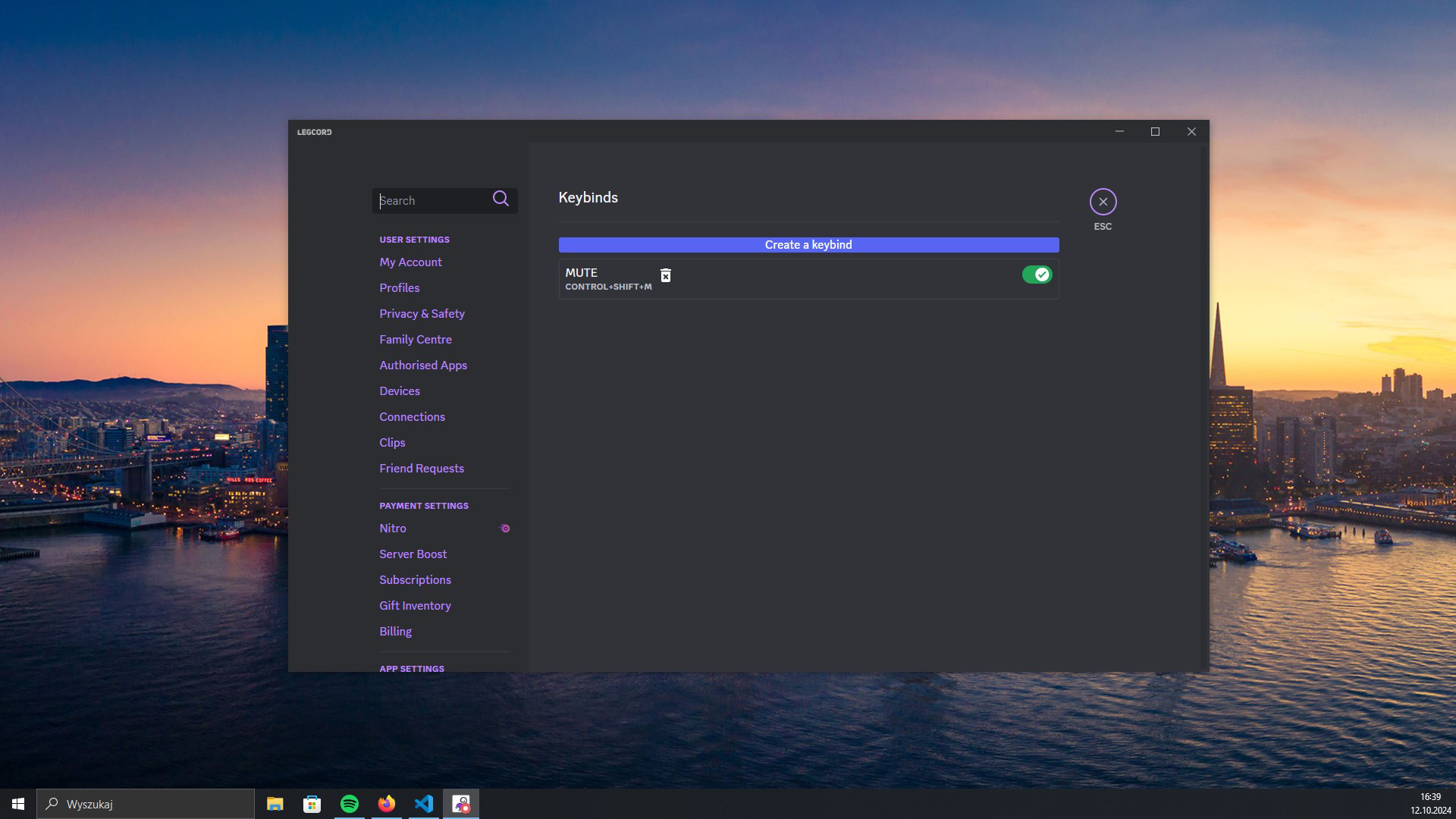
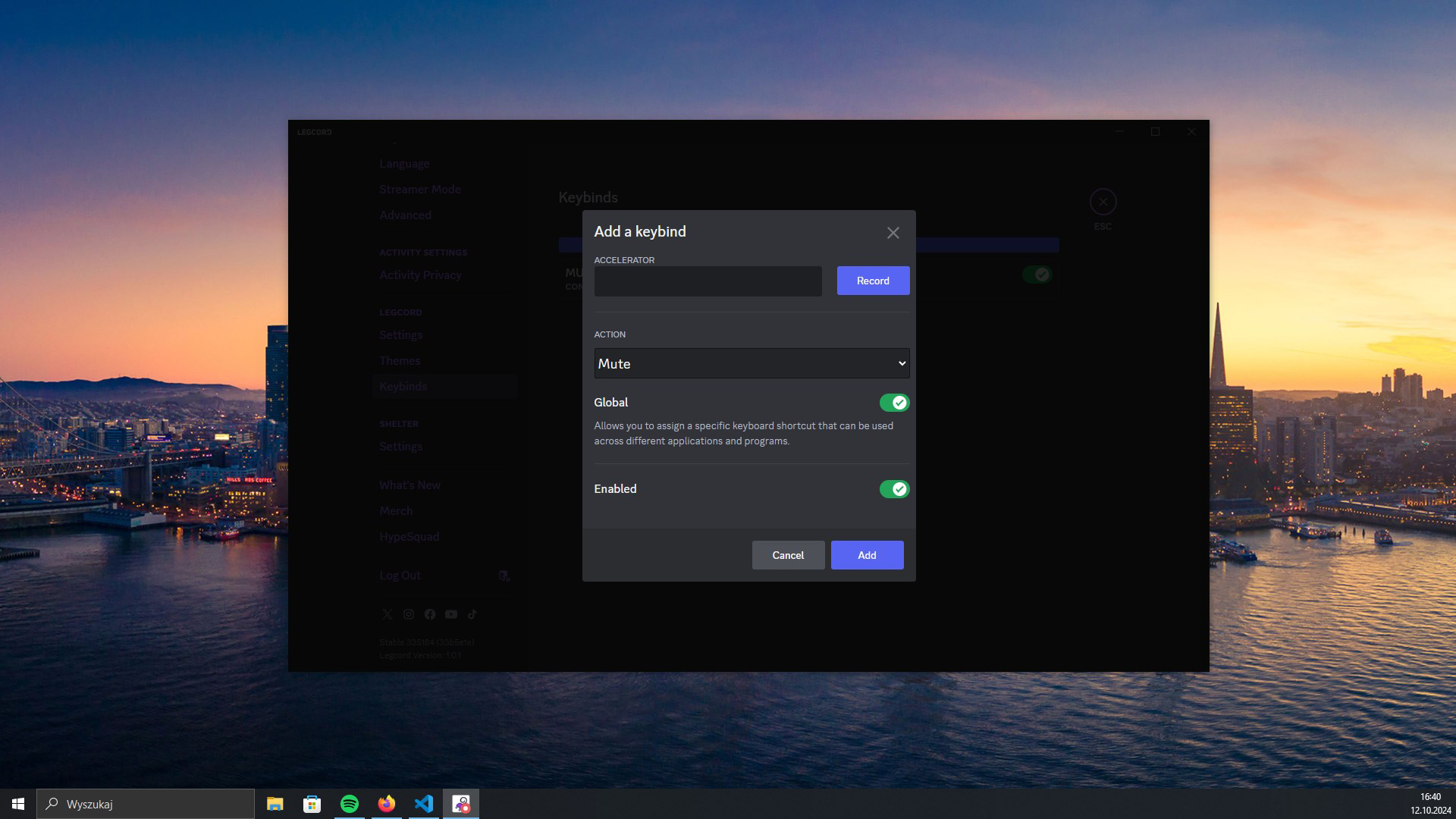
- Enhanced Flexibility: The app provides granular settings that allow users to adjust behavior, notifications, and interaction patterns. This flexibility is especially valuable for developers who may want to integrate custom scripts or modify how certain features behave.
- Compatibility with Discord Features: Despite its customization options, Legcord preserves full compatibility with standard Discord functions, including voice and video calls, message sending, server management, and emoji reactions.
For example, a developer managing multiple Discord servers for different projects can use Legcord to apply custom themes per server and streamline notification rules. A power user with visual sensitivity might reconfigure the interface to reduce glare or increase contrast. These real-world applications demonstrate how Legcord transforms Discord from a one-size-fits-all platform into a tailored communication tool.
Interface, UX & Performance
Legcord features a clean, modern interface with a focus on minimalism and user control. The layout is intuitive, with logical navigation that allows users to access servers, channels, and settings quickly. Visual elements are organized in a way that prioritizes readability and ease of access, reducing cognitive load during extended use.
Navigation flow is consistent across platforms, with a sidebar for server management and a central chat area. Users can rearrange panels and adjust font sizes, which contributes to a highly adaptive experience. The app responds promptly to user inputs, maintaining responsiveness even during high-activity sessions.
Although the developer did not list formal performance metrics, the emphasis on a lightweight design suggests optimized code execution and efficient memory handling. Users can expect stable performance across various device categories, including budget laptops and older desktops. The app maintains stability during prolonged use, with no reported crashes or freezes in available documentation.
Platform Compatibility & Technical Requirements
Legcord is available for Windows, macOS, and Linux, offering broad cross-platform compatibility. The app is designed to run on modern operating systems, though specific OS versions were not listed by the developer. The file size is relatively small, contributing to fast downloads and minimal storage usage.
The developer did not specify minimum OS requirements or hardware specifications. Compatibility information was not fully disclosed. Users are advised to check official sources for the latest system compatibility details before installation. The app’s lightweight nature suggests it may function on older systems, but this has not been confirmed.
Pros and Cons
Pros
- Lightweight design ensures smooth performance on low-end devices
- Highly customizable interface for personal and accessibility needs
- Consistent experience across Windows, macOS, and Linux
- Preserves full functionality of standard Discord features
- Offers flexibility for developers and advanced users
Cons
- Specific system requirements were not disclosed
- Developer background and support channels were not provided
- Limited public documentation on update frequency
- No official mobile app version mentioned
- Customization options may overwhelm novice users
FAQ
Is Legcord safe to download and use?
Legcord is designed to be secure and operates as a third-party client. As with any alternative app, users should ensure they download it from official or trusted sources to avoid potential risks.
Does Legcord support mobile devices?
The developer did not specify mobile availability. The app is confirmed for Windows, macOS, and Linux, but no information was provided about Android or iOS support.
Can I use Legcord alongside the official Discord app?
Yes, Legcord can be used simultaneously with the official Discord application. Users can manage the same accounts across both clients without conflicts.
How often are updates released for Legcord?
Update frequency was not disclosed by the developer. Users should monitor official channels for announcements regarding new versions or improvements.
Is Legcord free to use?
While the provided information does not specify pricing, Legcord is widely available as a free tool. Users should verify the official source for accurate pricing details.
Final Thoughts
Legcord stands out as a powerful, flexible alternative to the standard Discord client, offering users unprecedented control over their interface and experience. Its lightweight design, combined with deep customization and cross-platform functionality, makes it a compelling choice for developers, power users, and anyone seeking a more personalized communication tool. While some technical details remain undisclosed, the app’s focus on performance and usability is evident in its core design.
For users who value efficiency, adaptability, and a clean interface, Legcord delivers significant value. It bridges the gap between official features and user-driven customization, creating a balanced ecosystem where functionality meets personalization.
Download Legcord now
Guides & Tutorials
How to install Legcord
- Click the Download button above.
- Once redirected, accept the terms and click Install.
- Wait for the Legcord download to finish on your device.
How to use Legcord
This software is primarily used for its core features described above. Open the app after installation to explore its capabilities.
User Reviews
No reviews yet. Be the first to share your experience.
You may also like
more
Que no te pillen¡
About !Que no te pillen¡Reviewed by Jason A. BilbreyShow MoreShow Less

3D Combat Zone
About 3D Combat ZoneOriginally released in 1983, 3D Combat Zone immerses players...

666: El día del portal
About 666: El día del portalOn June 6, 2006, Agent P. Stone uncovers a sinister...

80 in 1 Best Flash games
About 80 in 1 Best Flash games 80 in 1 Best Flash games is a collection of 80 fl...

ABYSS SEEKERーーWhat Do You See Deep in The Abyss
About ABYSS SEEKERーーWhat Do You See Deep in The AbyssIn ABYSS SEEKER, players...

ACA NEOGEO THE KING OF FIGHTERS 2002 for Windows
About ACA NEOGEO THE KING OF FIGHTERS 2002 for WindowsTHE KING OF FIGHTERS 2002,...